

Create templates
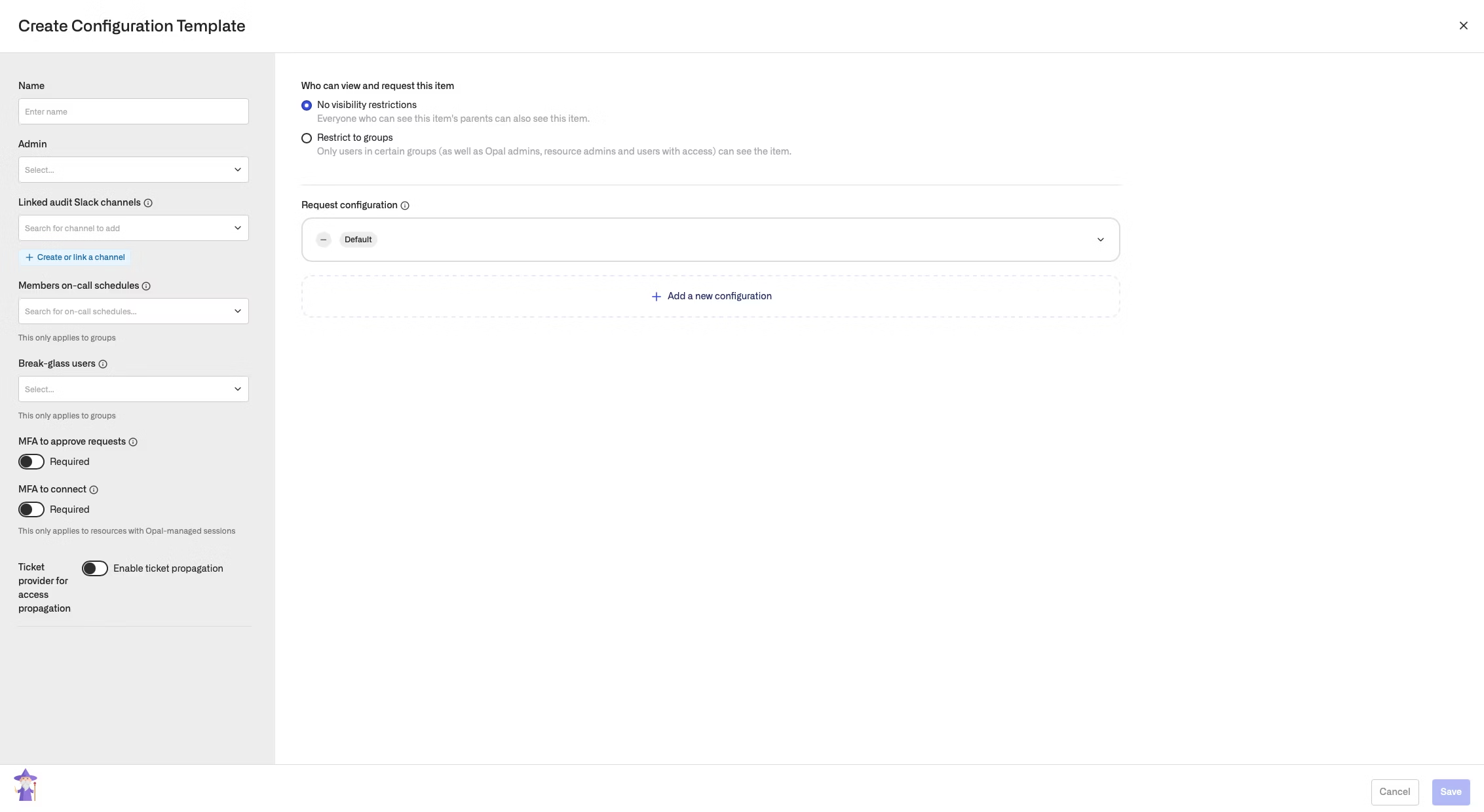
To create a template, go to Templates, then select Configuration Templates. Click + Configuration Template.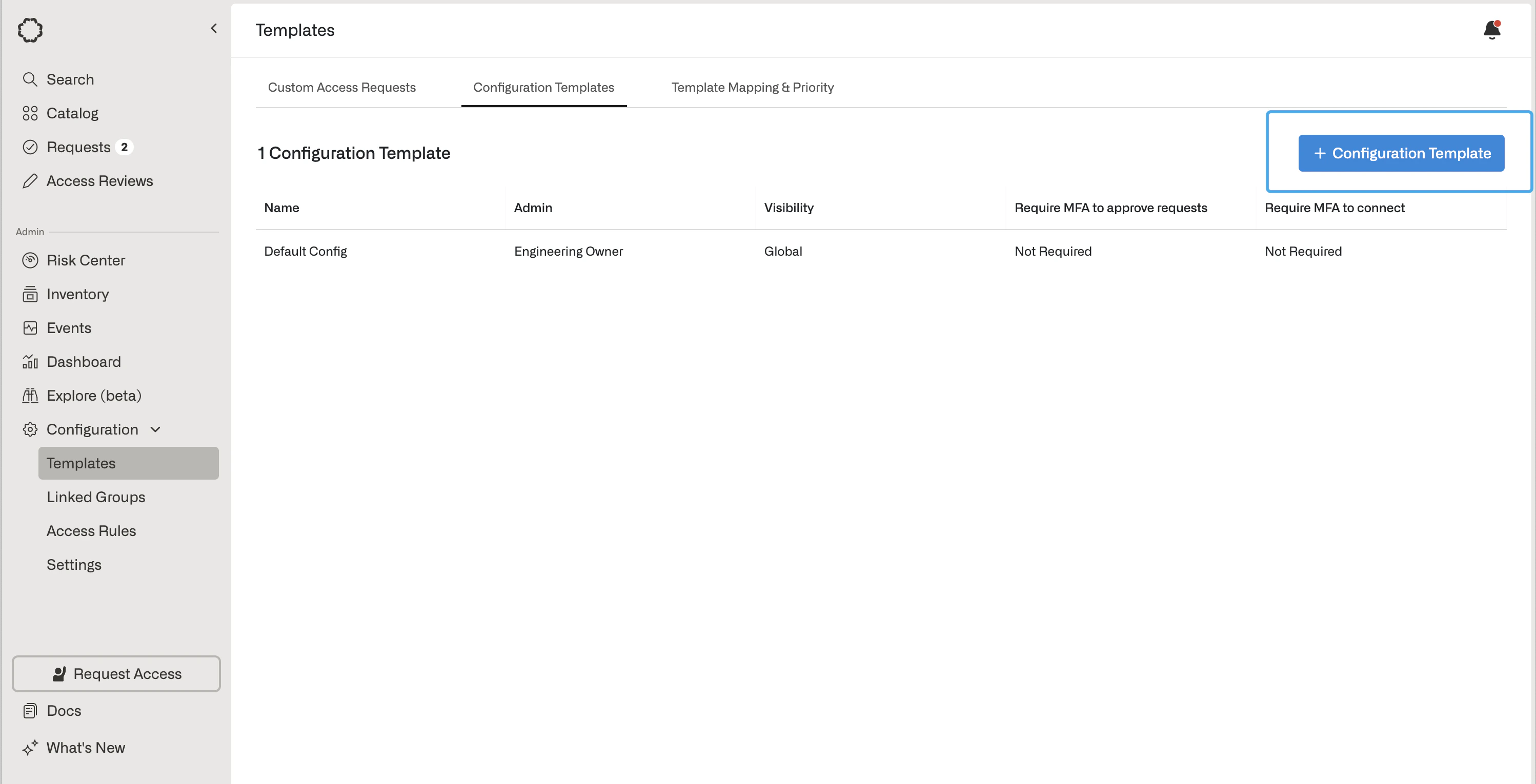
Apply templates
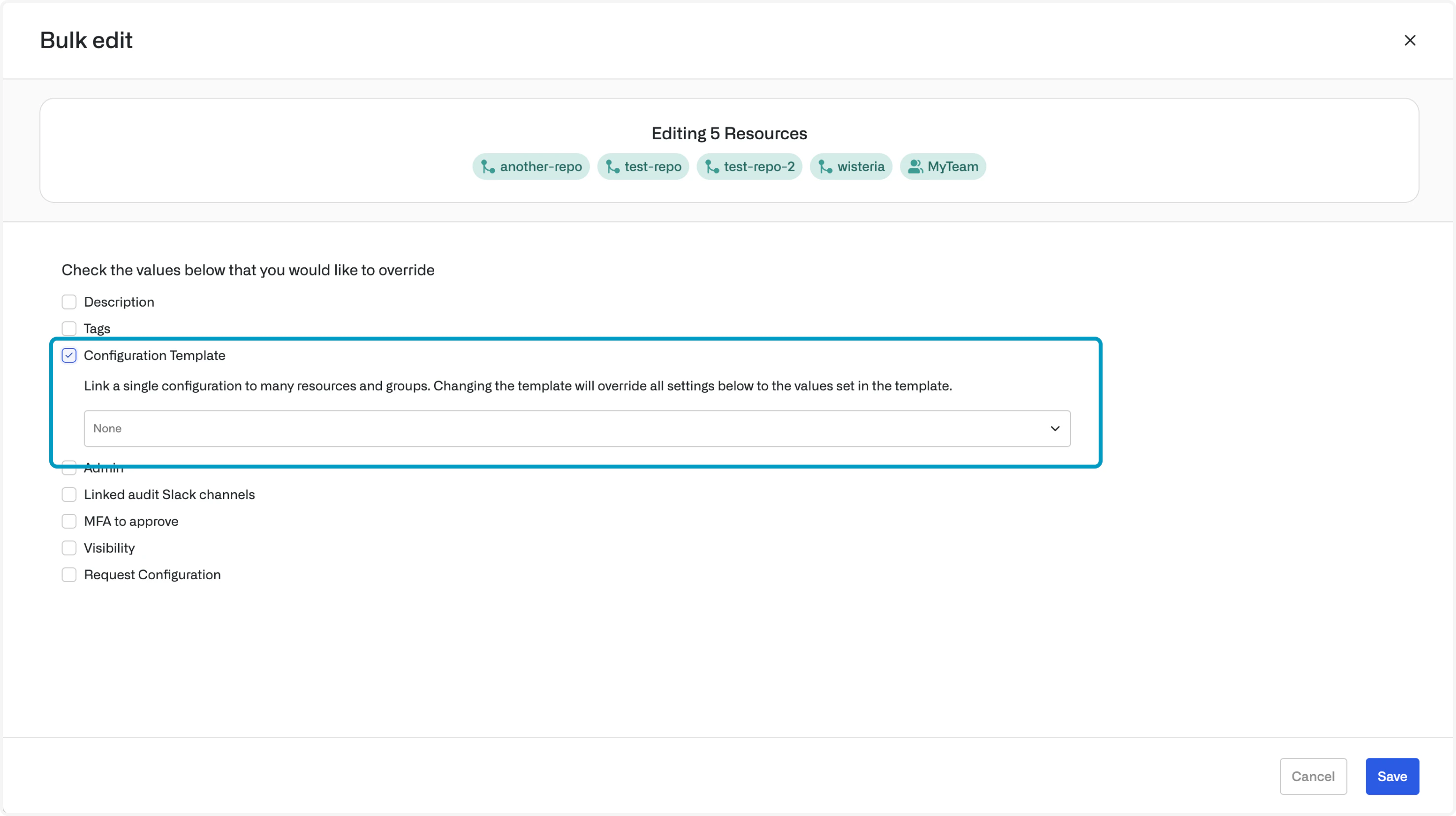
To apply a template to a resource or group, edit the field on the resource or group page: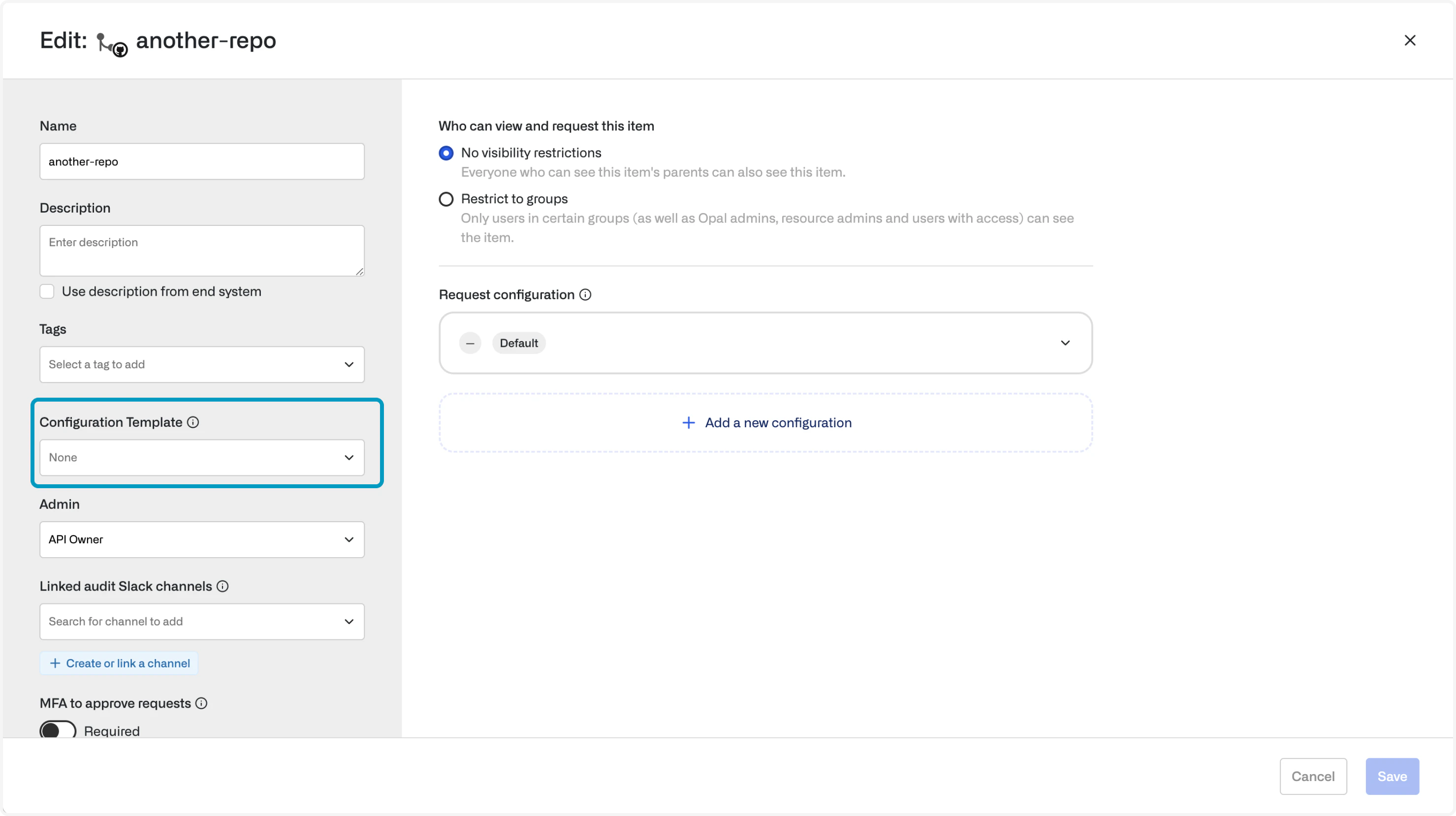
- If a configuration template is modified, all resources and groups linked to the template are also modified
- The settings cannot be directly edited except by unlinking the configuration template
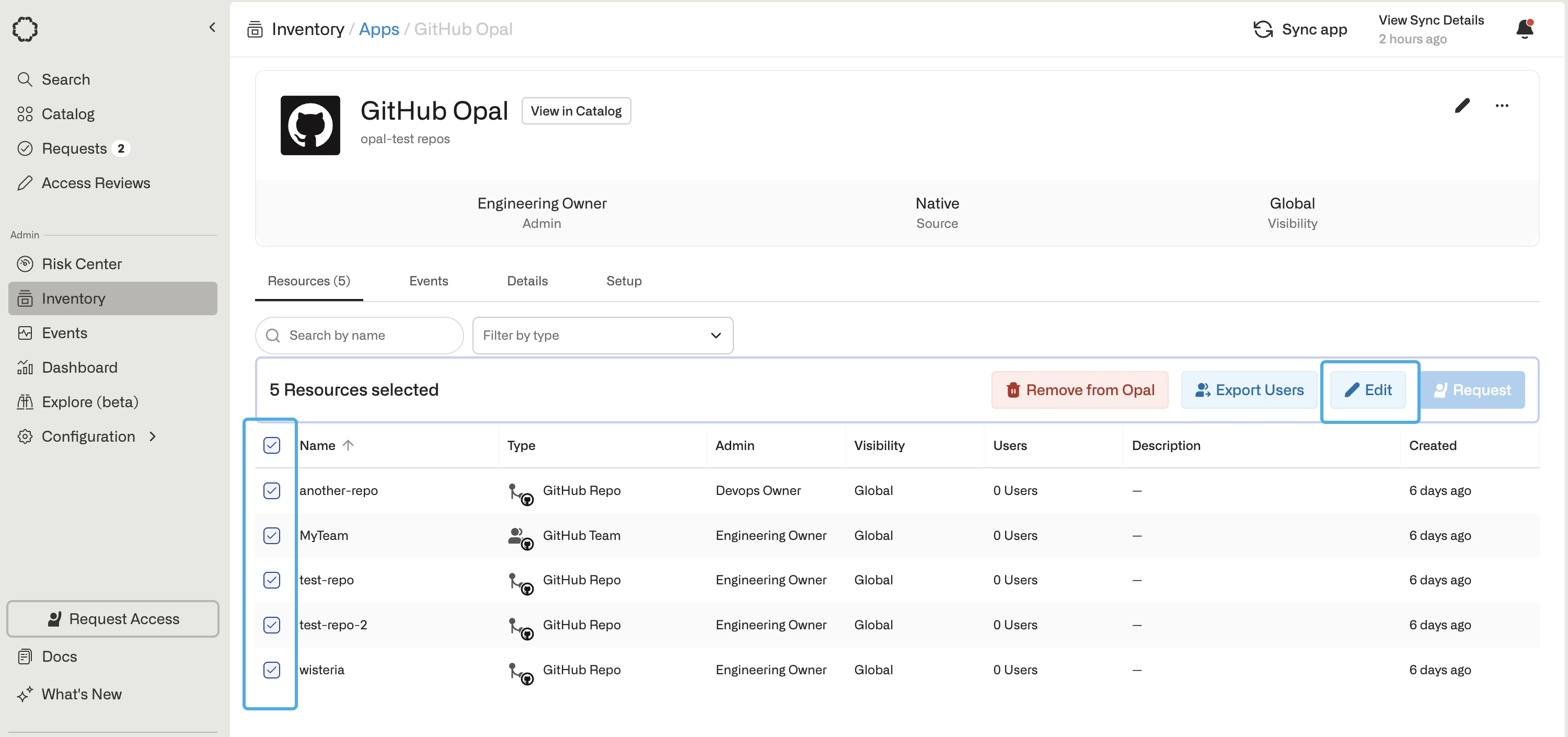
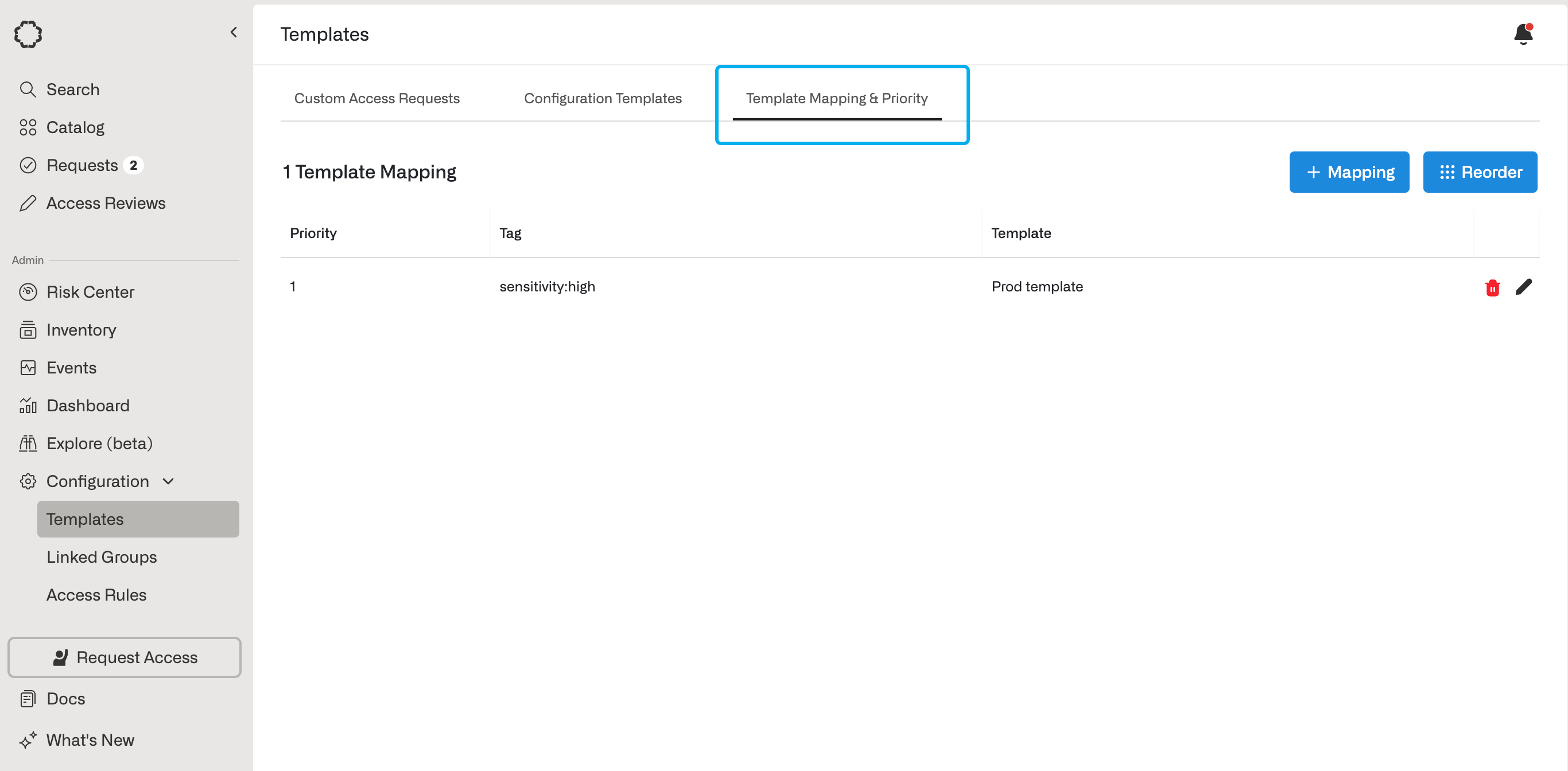
Set templates using tags
Importing based on tags is not supported for custom apps, so template mapping does not apply for custom apps.
Manage templates programmatically
You can create, update, and attach configuration templates using the Opal REST API and Terraform provider:- Use the
/configuration-templatesAPI endpoints or theopal_configuration_templateTerraform resource to manage templates.requires_forfeit_reasonis available in the REST API only. - Attach or unlink a template on a resource or group using
GET /resources/{resource_id}/configuration-templateandPUT /resources/{resource_id}/configuration-templateorGET /groups/{group_id}/configuration-templateandPUT /groups/{group_id}/configuration-template(or attach one withconfiguration_template_idonopal_resource/opal_groupin Terraform; unlinking isn’t supported in Terraform). Passnullforconfiguration_template_idto unlink the template and copy its current settings onto the resource or group. Settingconfiguration_template_iddirectly onPUT /resourcesandPUT /groupsis deprecated in favor of the/configuration-templatesub-resource endpoints.